

POM Integration
Interfaces: file & REST
Connections to other ERP, MES, machine and warehouse systems and to file stores: file and REST connectors, field mapping, preview and monitor.
+99 € / month net, flat rate
Online demo first, then a 30-day trial
- 01
The problem
The other system knows the order, production knows the work – and both sides retype what the other already has.
- 02
How POM solves it
A file connector reads CSV and Excel, a REST connector speaks JSON. Per field you decide which system leads – an external ERP never overwrites planning in POM. The preview comes first, then synchronisation; faulty records can be retried one by one.
- 03
The result
One entry instead of three, and no drift between systems.
Functions
What is inside.
-
Connections for import, export or both – to ERP, MES, machine and warehouse systems and to file stores
-
File connector (CSV and Excel) and REST/JSON connector, with templates
-
Field mapping with leadership per field
-
Preview first, then synchronise; faulty records retried one by one, a monitor shows runs and records
-
Way back to the external system: completion reports, stock movements, scrap; collection at intervals
-
Access data encrypted, with rotation and expiry
-
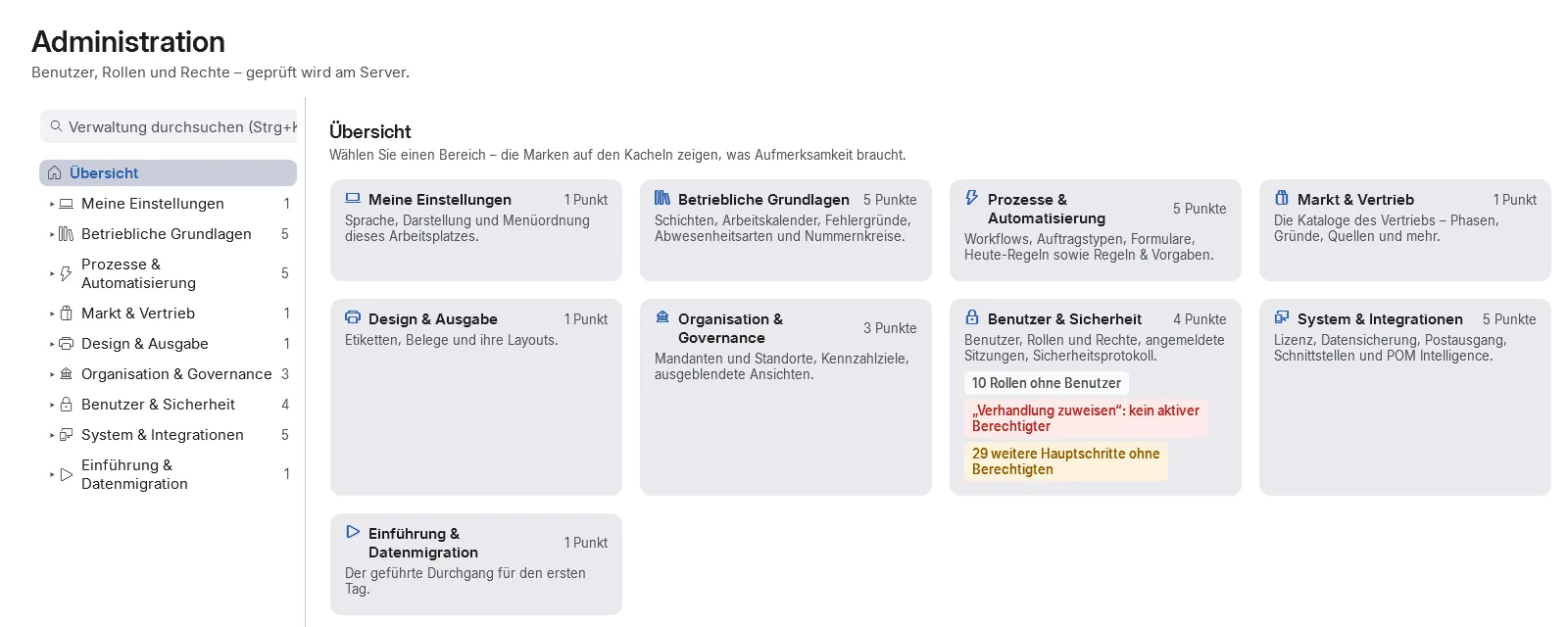
Settings under administration, without a menu item of their own
- Roadmap
No date yet: customer API
How it fits together
Every module feeds the next.
Passes on
- POM Warenwirtschaft (ERP) EDI call-offs come in through Integration and are taken over in Warenwirtschaft from December 2026
- POM Core Writes orders, customers, articles and employees from other systems; feedback goes back
Price
Concurrent users count, not accounts.
Module, booked individually 10 % saving with annual billing
| POM Integration | with 1user | with 5users | with 10users | with 20users | with 50users | more than 100users |
|---|---|---|---|---|---|---|
| net / month | +99 € | +99 € | +99 € | +99 € | +99 € | On request |
| net / month, annual billing | +89.10 € | +89.10 € | +89.10 € | +89.10 € | +89.10 € |
Flat rate per month, independent of the number of users.
More than 100 concurrent users: individual quotation, price on request. Request a quote
Quick answers
Questions about POM Integration
Which interfaces does POM offer?
POM Integration comes with a file connector for CSV and Excel and a REST/JSON connector with templates. Connections exist to ERP, MES, machine and warehouse systems and to file stores, for import, export or both. Ready-made connectors for named ERP products are not included.
Can an external system overwrite data in POM?
Only where you allow it. Per field you decide which system leads; an external ERP never overwrites planning in POM. The preview comes first, then synchronisation, and faulty records can be retried one by one.
Does POM report back to the other system?
Yes: completion reports, stock movements and scrap. POM can collect data at intervals, and a monitor shows runs and records. Access data is stored encrypted, with rotation and expiry.
See POM for your business.
First we show you POM in an online demo with a sample company. After that you can test it for 30 days with a trial licence of your own.